
Swiftgrove is built
for WSL.
You keep your projects in WSL for a reason. Your Git client should feel just as at home there.
The problem
From Windows, WSL is a slow network drive.
A Git client that opens a WSL project from Windows reaches every file through a slow file share. Projects take long to open, refreshing makes you wait, and line endings and file permissions can go wrong.
The Swiftgrove way
Swiftgrove works inside WSL itself.
Swiftgrove runs Git right inside WSL, where your project lives. That makes it fast, and Git works with your own WSL settings, as it does in your terminal.
WindowsSwiftgrove
WSLYour project
In practice
The same as in your WSL terminal.
- Line endings and file permissions stay as they are in WSL
- Swiftgrove uses your Git settings, saved passwords and SSH keys from WSL
- Terminal opens a WSL terminal in your project
- WSL and Windows projects side by side, in tabs
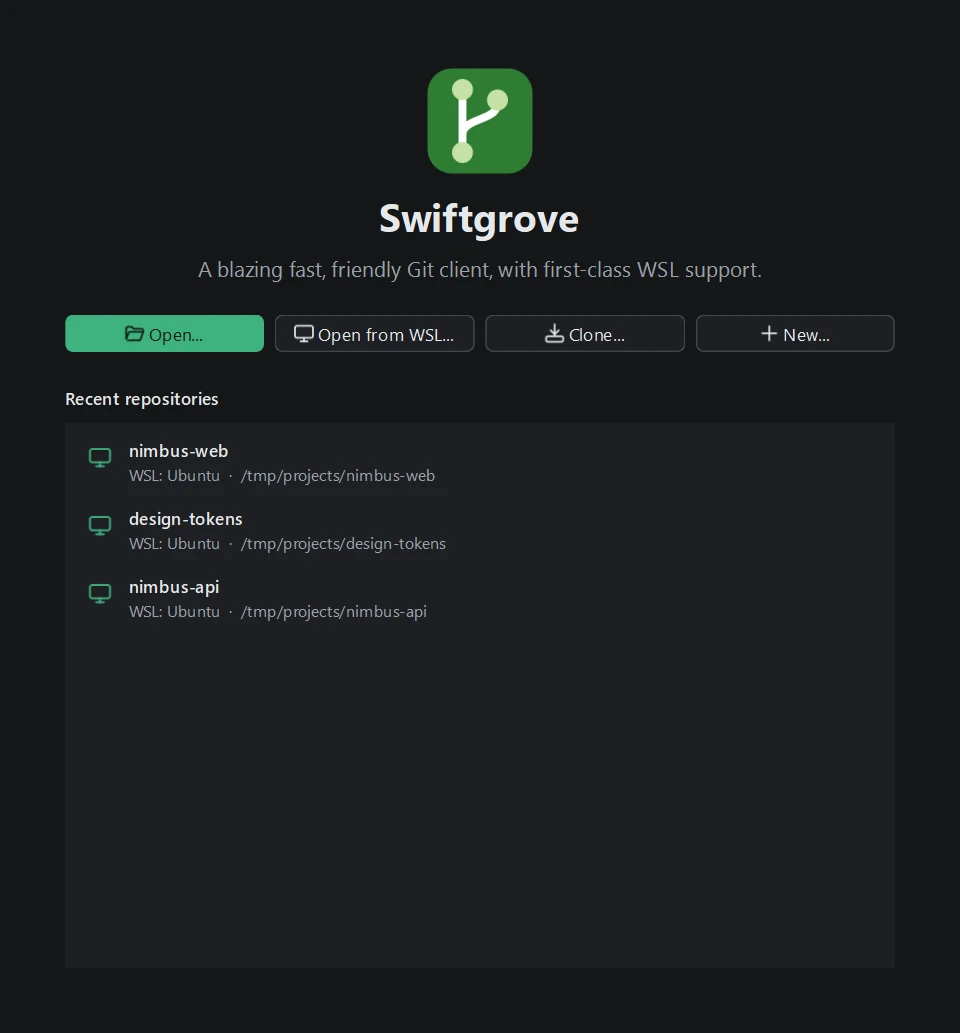
Try it on your own WSL projects.
Install Swiftgrove and choose Open from WSL.